Export GRU files
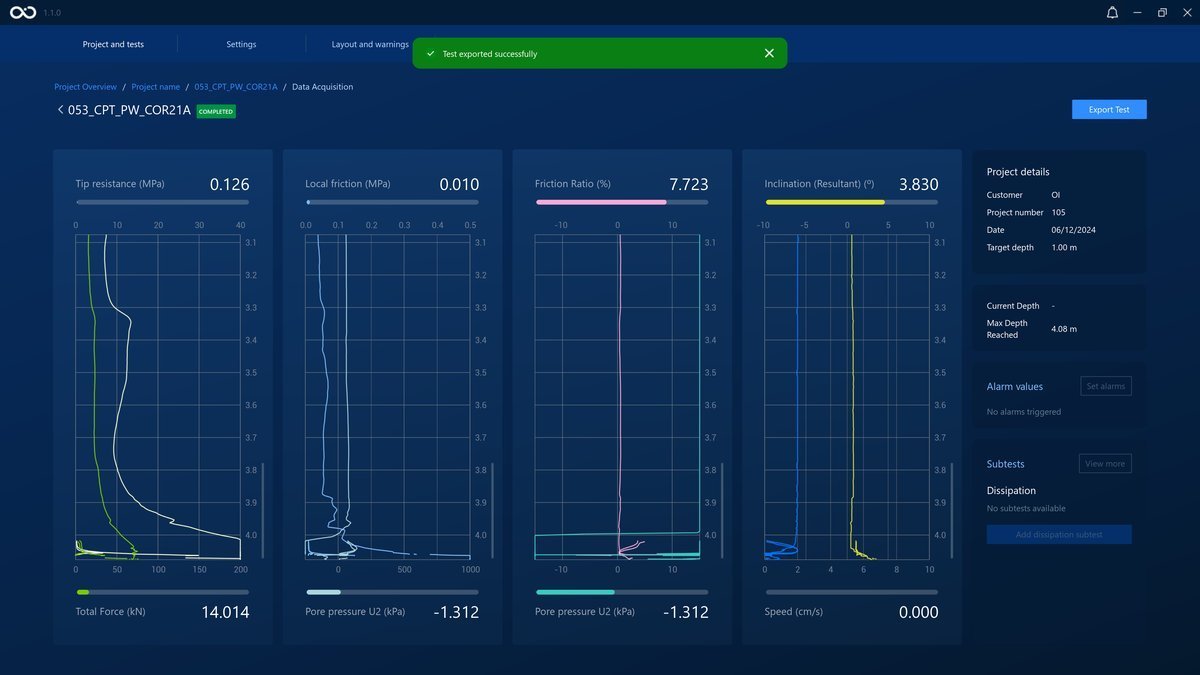
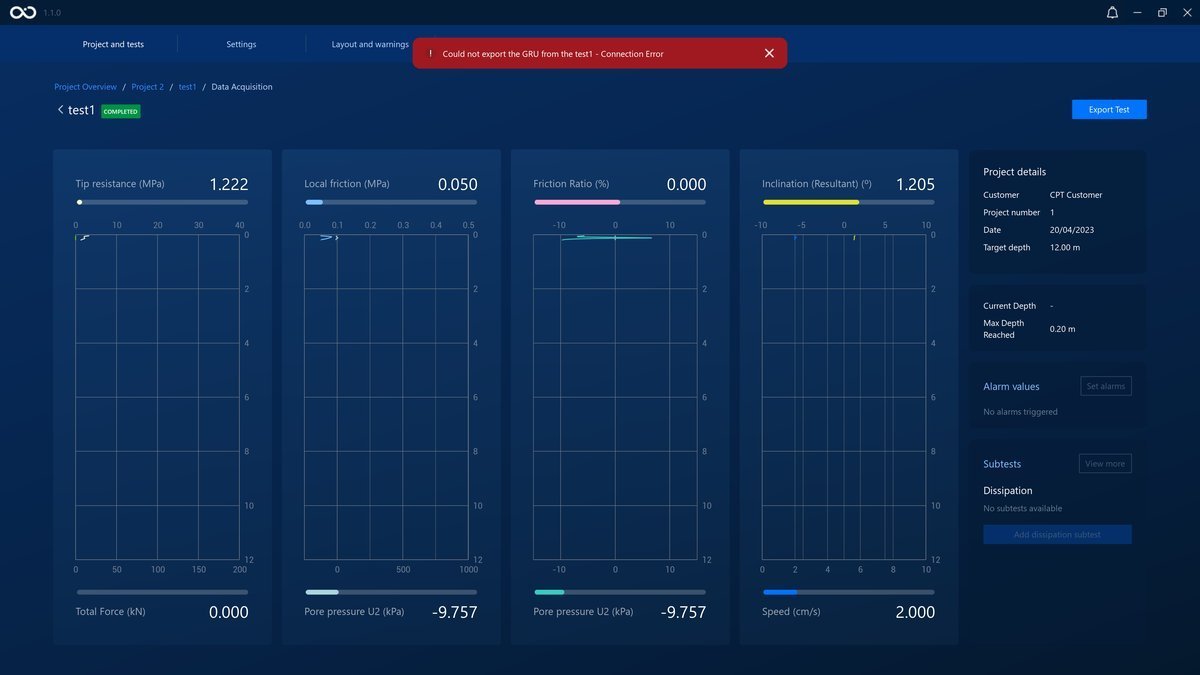
After the completion of a test in iField, usually the test is exported automatically. However, as a redudancy mechanism, inside of the data acquisition screen there will appear an Export button that will trigger the generation of the test GRU, overwriting the previous GRU if it existed. The export procedure will export any data that the test contains, even if incomplete.
Visit Retrieve GRU Files from this documentation to learn where to find the exported .GRU file.
Note
In case of having an issue obtaining a GRU automatically at the end of the test, meaning that the test is marked as completed or to review (it should be created already in the project > test folder), it can be generated through this feature.
Tests marked as Invalid (see Test states) can still have their data retrieved this way — follow the same Export route described above, and the resulting GRU files will be written to the same location as any other test's.